
Digital Office Administration
The Role Pathway for Office Operations Administrators. Learn how business information systems actually work, then run the daily operations of a modern office inside them: documents, records, diaries, Microsoft 365 and POPIA in practice.
- Duration
- 10 to 12 weeks, 8 to 10 hours a week
- Mode
- Online, at an e-Learning Cafe, or at Katlehong Computer School
- Credential
- Professional Certificate
- Level
- Role Pathway
- Access
- Included in NIBS Plus
- Start
- Start any time
Role Pathway learning is included in NIBS Plus. Assessment for a NIBS credential may carry a separate fee, confirmed before you pay. NIBS credentials are institutional awards; no accreditation is claimed for this pathway.
The pathway explained
What this pathway is, who it is for, what you study and how it works, in 2 minutes 55 seconds.
Read the transcript
This is Digital Office Administration, a NIBS Role Pathway. It is for people who want to run the daily work of a modern office.
It is practical preparation for working in an office. Documents, records, meetings, spreadsheets, customers, and responsible digital and AI tools. You practise at a fictional company, with made-up data.
It is for school leavers and young adults looking for a first office role. For people already doing administrative work, who want their competence recognised. And for anyone returning to work, who needs current digital office skills.
It helps you prepare for entry-level office roles, like administrative assistant, junior office administrator, and records and data capturer. Job titles vary, and NIBS does not guarantee employment.
Ten areas of office work. Professional communication, business documents, and spreadsheets and data. Records and POPIA, meetings and coordination, and customers and stakeholders. Quotations, invoices and petty cash, onboarding and people administration, and projects and events. And responsible digital, security and AI practice.
NIBS teaches in three steps. Learn it, in short lessons and videos. Do it, with practical work for a manager. Prove it, in the Workplace Lab.
In the Workplace Lab, each task comes from a manager, with a brief, a rubric you can read first, and the files you need. You hand in your work, and a NIBS assessor reviews it: Competent, or resubmission required, with feedback. Handing in opens the next module, so you carry on. You never wait for a mark.
Ten tasks, one for each competency, and a capstone: a full day at the office. For example, you reply to a client, clean a spreadsheet, plan a meeting, and correct an AI draft.
Finishing lessons shows progress. It is not competence. A competency is recorded only when an assessor decides it, on your Workplace Lab work. It then shows on your Skills Passport.
Three things earn your Professional Certificate. Every module is complete, including the capstone. All ten competencies are recorded as Competent. And assessed workplace evidence is behind them. You can share it, and anyone with the link can verify it. It is a NIBS credential, not an accredited or occupational qualification.
This is how a learner starts. Join NIBS Campus, which is free. Have NIBS Plus, which includes the pathway. Press Start this pathway on its page, and confirm. Module 0 opens, and your Workplace Lab board is set up.
Digital Office Administration: the whole office, learned, practised and proved.
What is this programme?
Digital Office Administration is the NIBS Role Pathway for Office Operations Administrators, for people who want to run a modern office. It covers the everyday work that keeps an organisation moving: producing documents, managing diaries and meetings, keeping records, handling information responsibly and communicating clearly.
The pathway follows the NIBS model. You learn each skill, then practise it as a real workplace task in the Workplace Lab. A facilitator reviews your evidence against the NIBS standard, and each competency you demonstrate is recorded by NIBS.
Who is it for?
This pathway suits people at different starting points:
- School leavers and young adults looking for a first office or administrative role.
- People already doing administrative work who want their competence formally recognised.
- Anyone returning to work who needs current digital office skills.
You need to be able to read and write in English and to be comfortable using a computer, or willing to learn at an e-Learning Cafe with facilitator support. Formal entry requirements are being confirmed by NIBS.
What will I be able to do?
Communication and documents
- Communicate professionally by email, phone, Teams and chat, choosing the right channel
- Produce accurate, well-formatted letters, memos and reports in Word
Information and records
- Capture, clean, calculate, filter and report operational data in Excel
- Organise, protect and share digital records, with POPIA in mind
Coordination and service
- Coordinate calendars, meetings, agendas, minutes and follow-up actions
- Handle customer and stakeholder queries and keep a record of them
- Support small projects and events with plans, trackers and checklists
Resources and people
- Support quotations, purchase requests, invoices, petty cash and office resources
- Support routine onboarding and people administration, confidentially
Working digitally and responsibly
- Use AI and automation tools responsibly, checking what they produce
- Recognise phishing and protect the organisation's information
Skills you'll build
Some modules of this pathway are also Skill Courses on their own: the same lessons, for a certificate of completion. Take one to try the pathway, or to sharpen one skill.
- Microsoft Word EssentialsModule 3, About 6 hours
- Excel for Workplace AdministrationModule 4, About 6 hours
- Digital Records ManagementModule 5, About 6 hours
- Meeting and Calendar ManagementModule 6, About 5 hours
Competencies recorded by NIBS for this programme:
- Professional Digital Communication (DOA-RP-C01)
- Digital Document Production (DOA-RP-C02)
- Spreadsheet & Operational Data Management (DOA-RP-C03)
- Digital Records & Information Governance (DOA-RP-C04)
- Meetings & Office Coordination (DOA-RP-C05)
- Customer & Stakeholder Administration (DOA-RP-C06)
- Office Resources & Basic Financial Administration (DOA-RP-C07)
- People Administration Support (DOA-RP-C08)
- Project & Event Administration Support (DOA-RP-C09)
- Responsible Digital, Cybersecurity & AI Practice (DOA-RP-C10)
What will I actually do?
Workplace tasks are the heart of the programme. Each one is a piece of office work at a fictional company, done to a manager's brief and a published standard. There are ten, one for each competency, and a capstone that brings them together:
- Reply to a customer and a supplier, and send an internal update.
- Produce a business letter, a memo and a short report.
- Clean an operations spreadsheet and summarise it for a manager.
- Reorganise a shared folder and decide who may open what.
- Prepare a meeting invitation, agenda, minutes and action register.
- Handle and log customer cases, escalating the right ones.
- Compare supplier quotations and prepare a purchase request.
- Prepare a new employee's onboarding administration.
- Plan and track a staff workshop.
- Use AI on an administrative task, then find and correct its mistakes.
How long does it take?
Eight to twelve weeks at 8 to 10 hours a week, part time, at your own pace. Start any time.
How will I study?
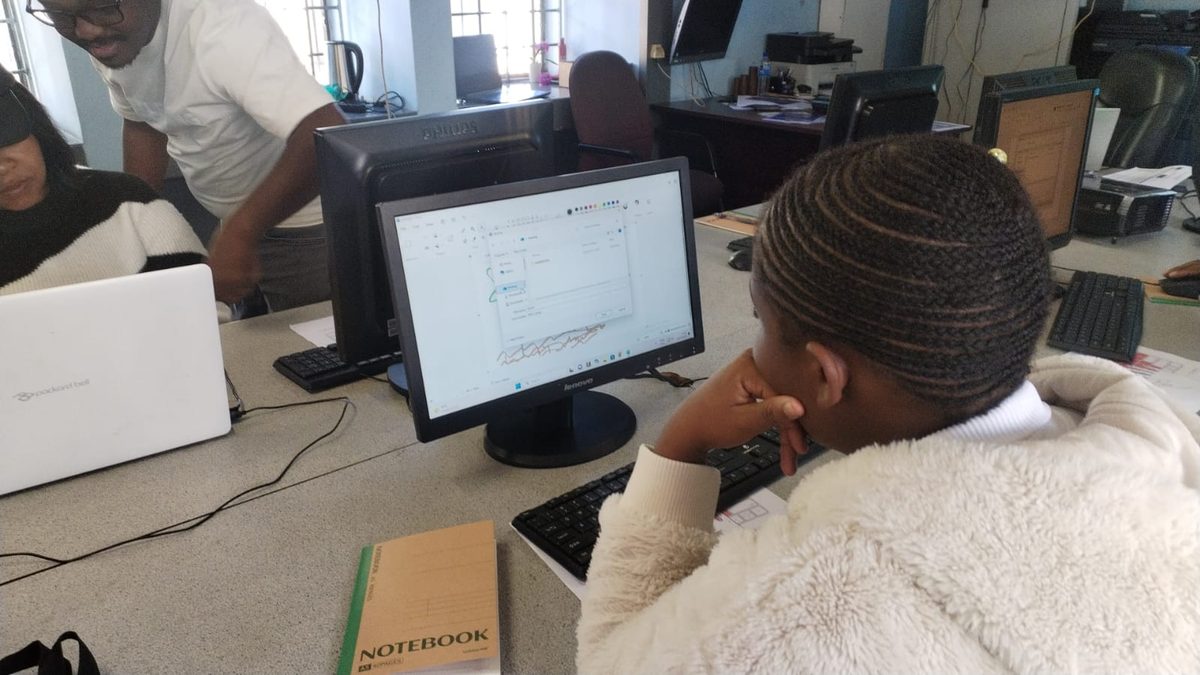
Online through NIBS Campus, at a NIBS e-Learning Cafe with computers and a facilitator, or at Katlehong Computer School. Workplace Lab tasks are completed from any of them. Every learner gets the same facilitation, task feedback and portfolio support.
Where does the work happen?
You learn in NIBS Campus. The Workplace Lab is where you do the work. Every task is assigned to you there, you complete it and submit your evidence there, and a facilitator reviews it there. The result is returned to NIBS and recorded against your name.
The pathway moves through the three stages:
-
Learn
Orientation and preparation
Orientation and preparation at NIBS.
In NIBS Campus
-
Do
Guided practice
Guided practice in the Workplace Lab.
In the Workplace Lab
-
Operate
Less-guided workplace simulation
Less-guided workplace simulation in the Workplace Lab.
In the Workplace Lab
What evidence will I produce?
Your evidence is the actual work you did, not a test about it. Over the programme you build a portfolio that includes:
- Formatted documents: letters, memos, agendas and minutes.
- Spreadsheets with working formulas and summaries.
- Email threads, calendar records and call logs.
- Screenshots or short screen recordings of tasks in progress.
- Assessor feedback, and your response to it where resubmission was required.
Every submission moves through the same states:
- Assigned
- In progress
- Submitted
- Under review
- Competent
- Resubmission required
- Closed
What credential do I receive?
Complete the pathway and its assessed Workplace Lab tasks and NIBS issues a Professional Certificate for it, alongside the portfolio you produced. NIBS credentials are institutional awards issued by NIBS and can be verified online. No accreditation, CPD approval or professional-body recognition is claimed for this pathway; where a relevant professional body exists it is shown on the role page with its status.
Where can this lead?
Roles this pathway prepares you for:
- Administrative Assistant
- Junior Office Administrator
- Digital Office Administrator
- Records and Data Capturer
From here you can add another Role Pathway, explore professional recognition in your field, or apply for a formal occupational qualification where one is offered.
Careers this is part of:
Skill topics this teaches:
What does it cost?
Role Pathway learning and Workplace Lab practice are included in NIBS Plus. Assessment of your portfolio for a NIBS credential may carry a separate fee, confirmed before you pay. Organisations can sponsor places; see NIBS for Organisations.
How do I start?
- Join NIBS Campus freeOne short form. Explore the role and start the free courses.
- Add NIBS PlusMonthly or prepaid. The pathway, its Workplace Lab and the whole skills catalogue open.
- Start with LearnThe Digital Workplace Foundation, then your first guided task.